User Interface
You find the plugin in Window menu:
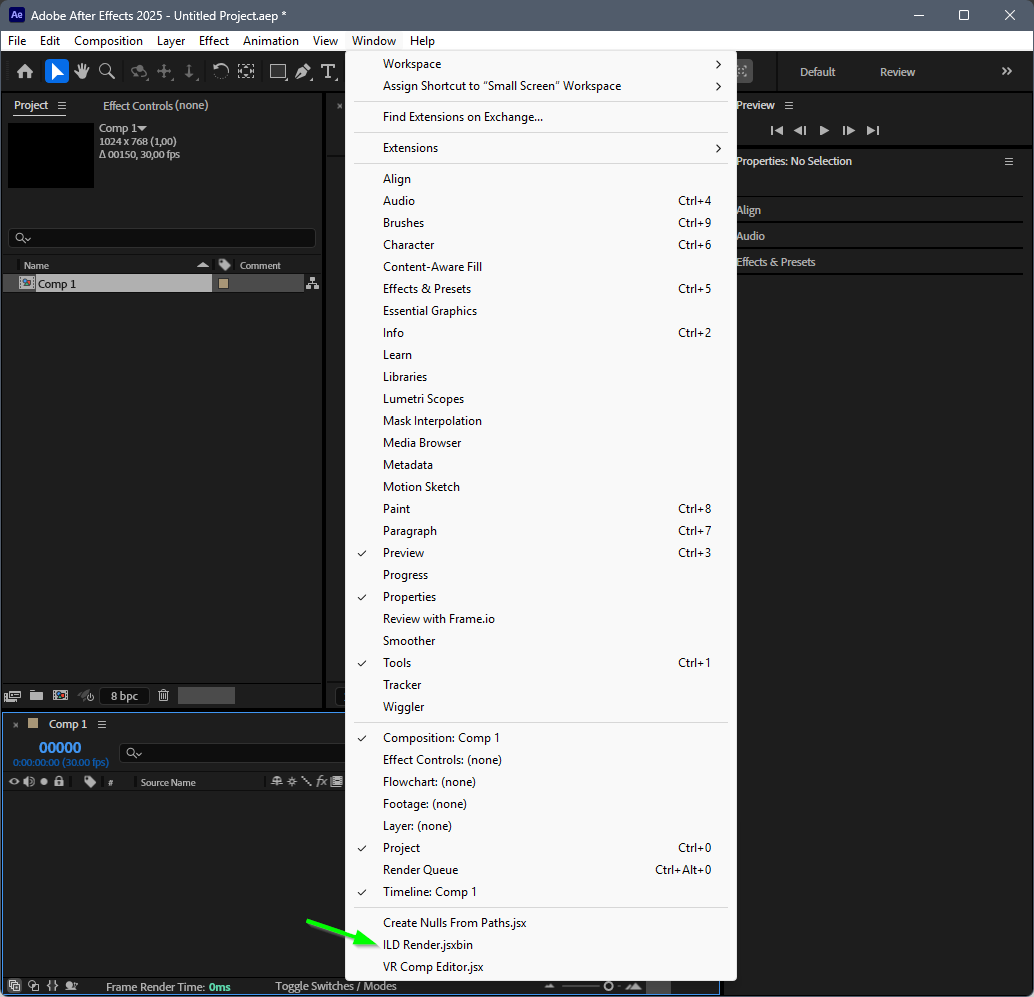
Plugin Description
The plugin is a After Effects panel which can be docked:
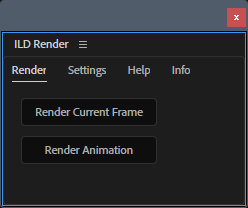
Render Current Frame
renders the currently selected frame of the active composition to ILD Render.
Render Animation
renders the active composition to ILD Render
During rendering it's possible to abort the rendering with the ESC key.
Custom Optimizations
It's possible to add custom optimizations to After Effects layers.
This is done by adding the ILD Render Optimization effect to the AE layer.
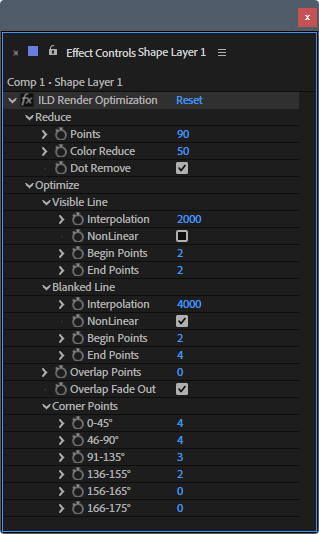
The parameters are the same as in ILD Render Optimization
All parameters can be animated in the timeline.
After Effects Layer as ILD Render Layer
To render an After Effects layer as an ILD Render layer justa add ILD Render Layer effect to the AE layer.
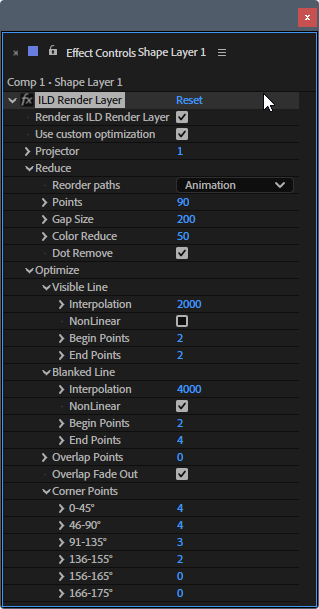
Render as ILD Render layer
Enable this AE layer as ILD Render layer
Use custom optimization
With this option it's possible to assign custom optimization to this After Effects/ILD Render Layer.
The all other parameters are the same as in ILD Render Optimization
 These parameters can not be animated as ILD Render Layer optimizations are global for the layer.